
【硬核插件】【Grey】MeshExporter 额外的网格编辑器
简直硬核!直接外接unity编辑器!
我也是刚下,怎么使用,下回分解,大家也可以试试看,怎么用的!
网盘:
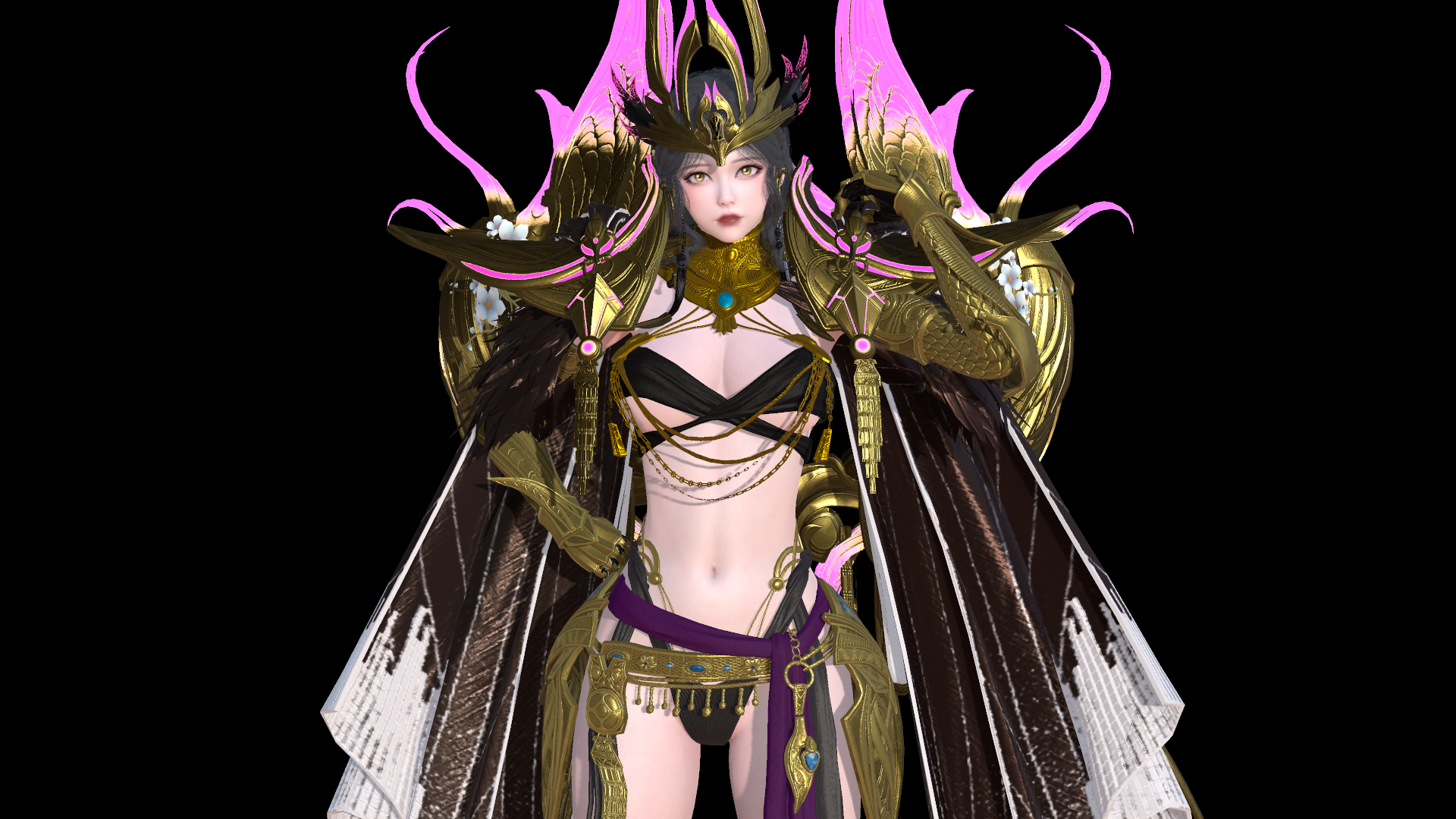
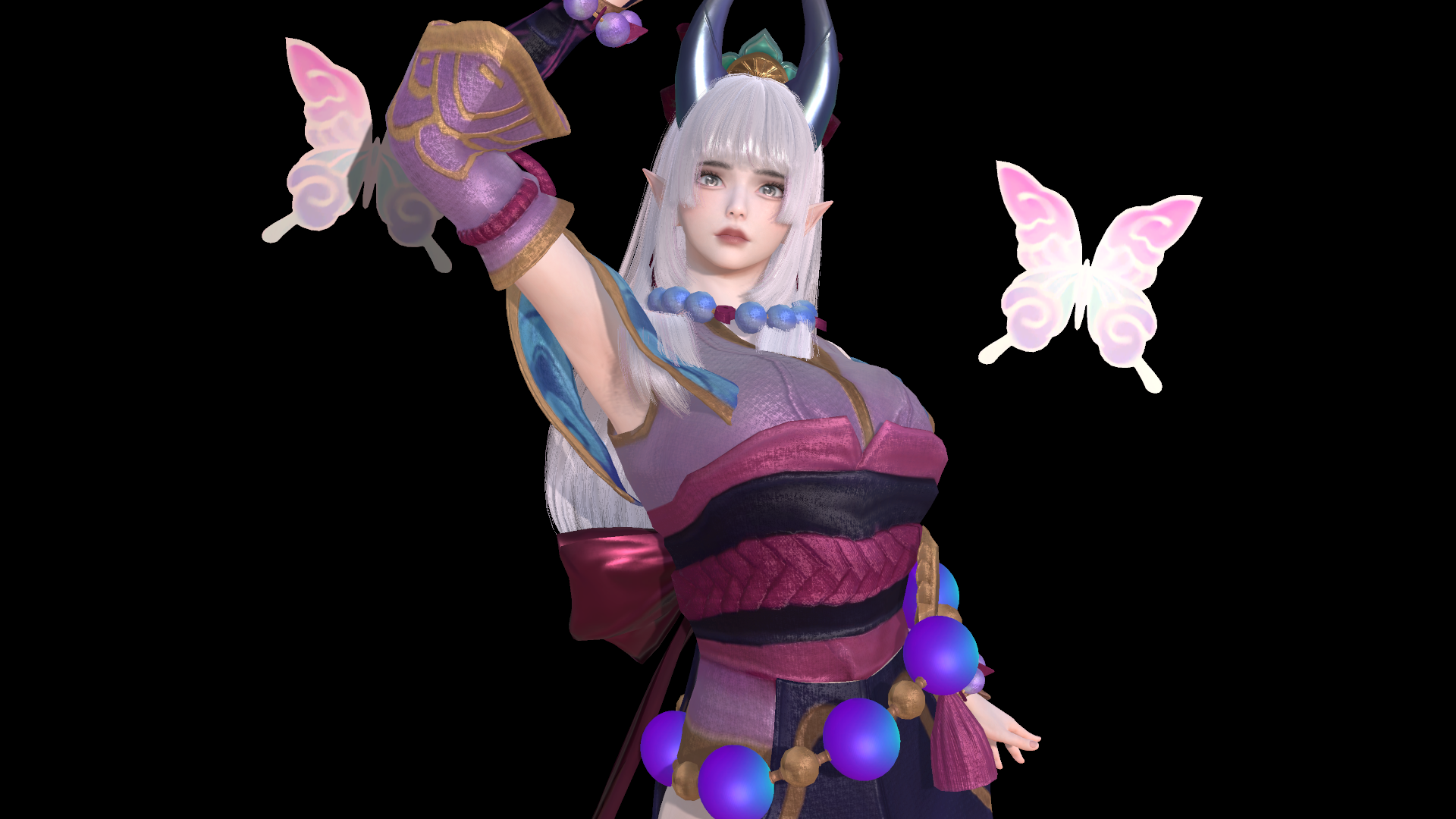
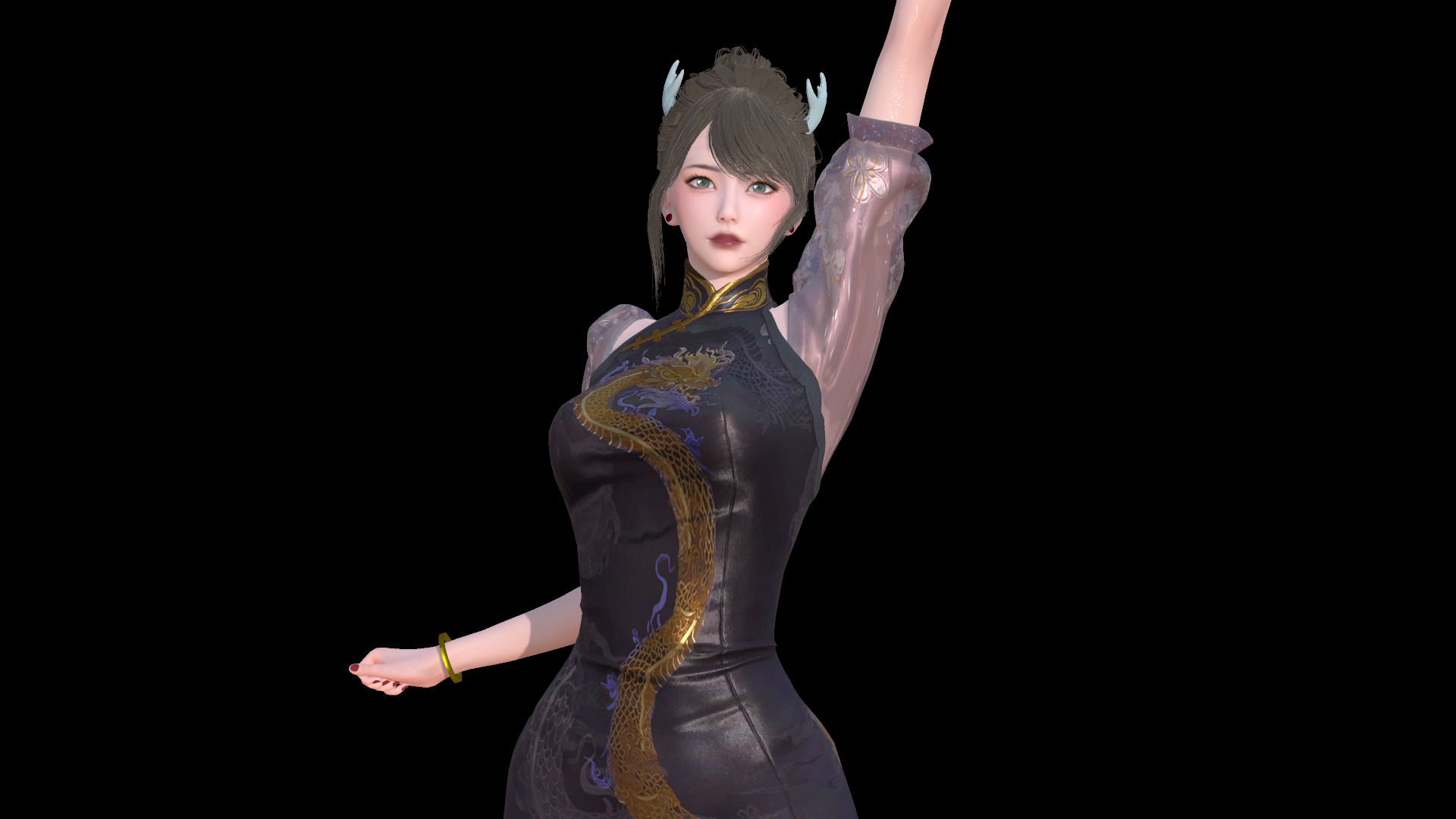
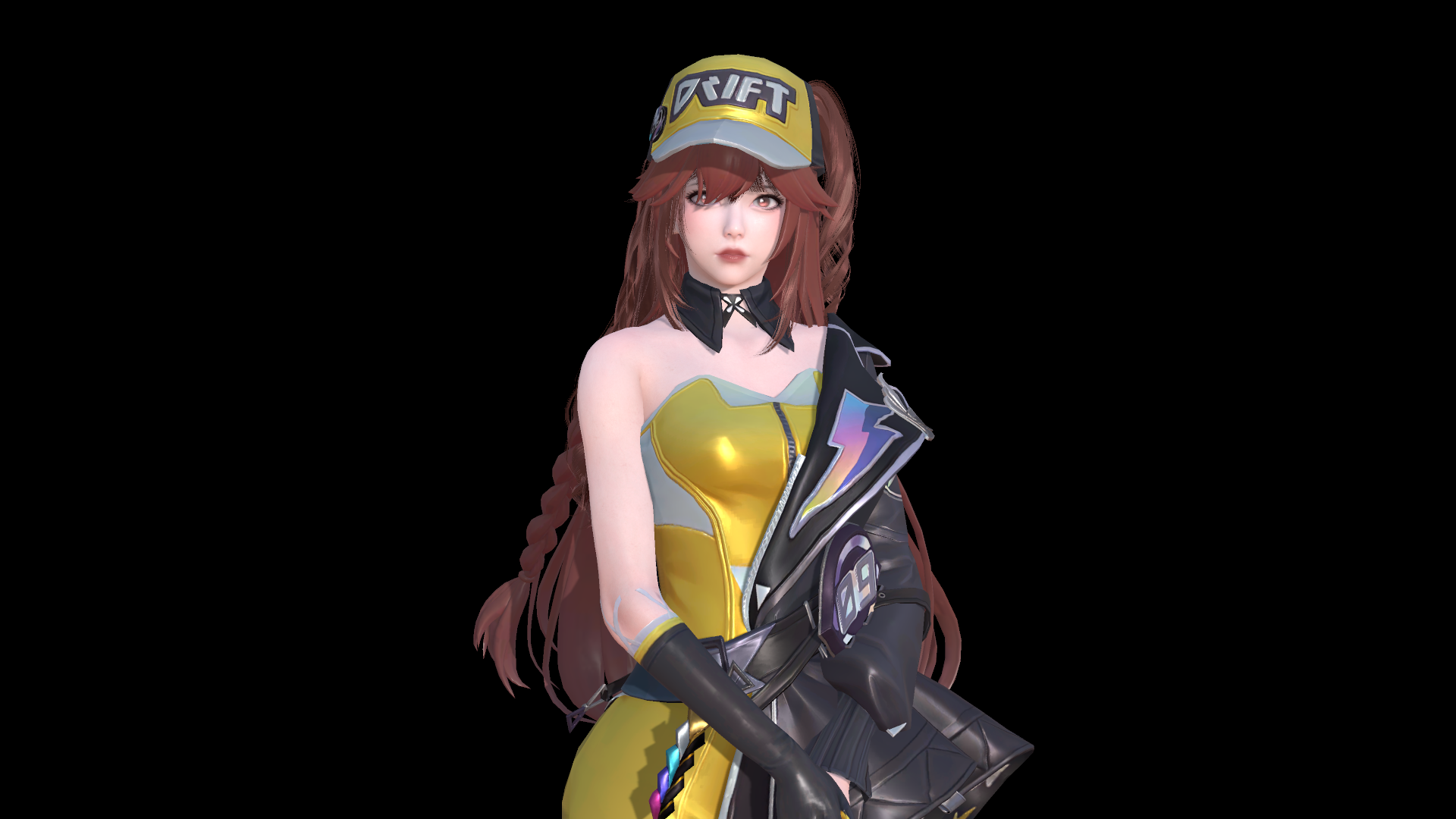
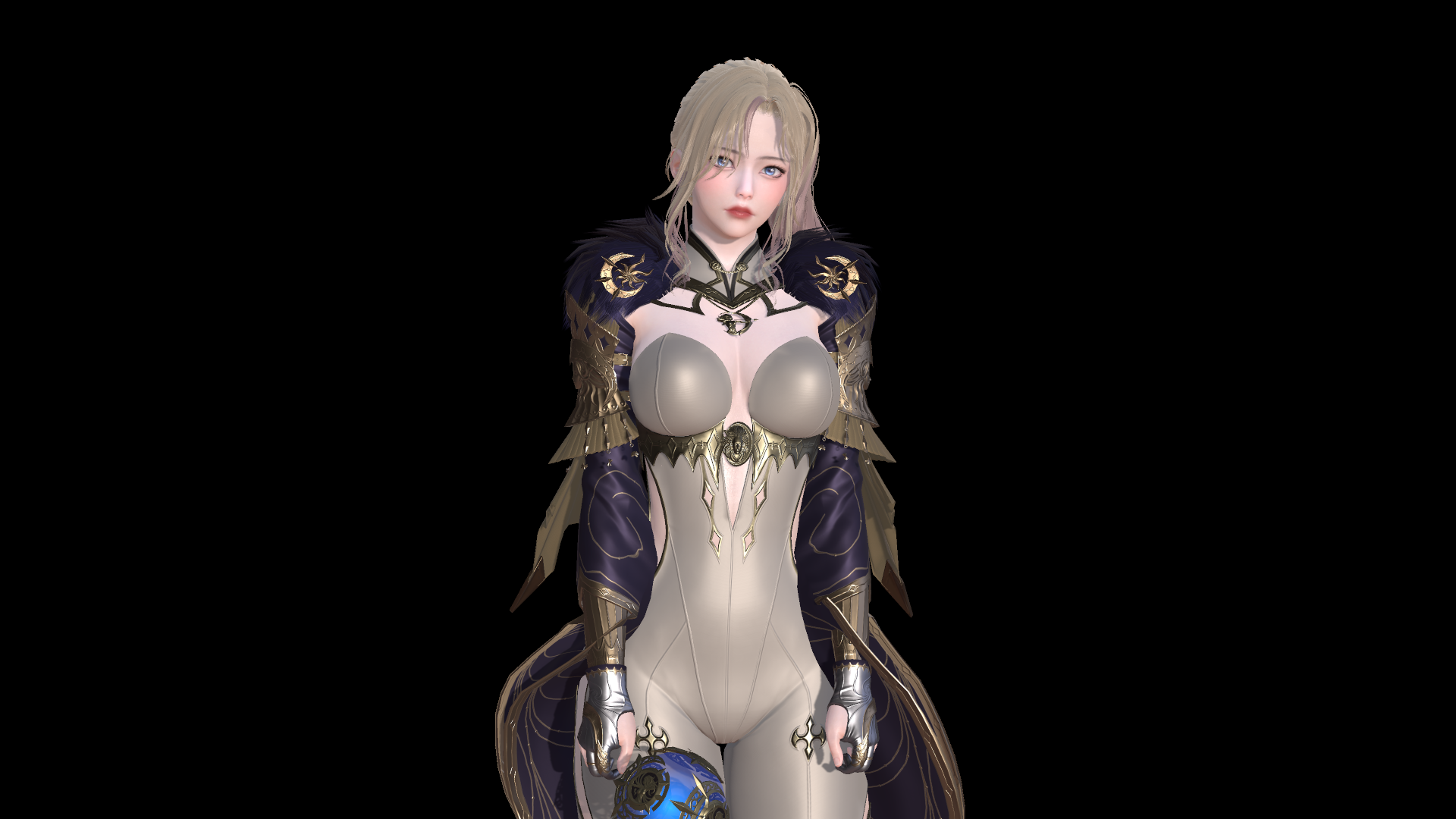
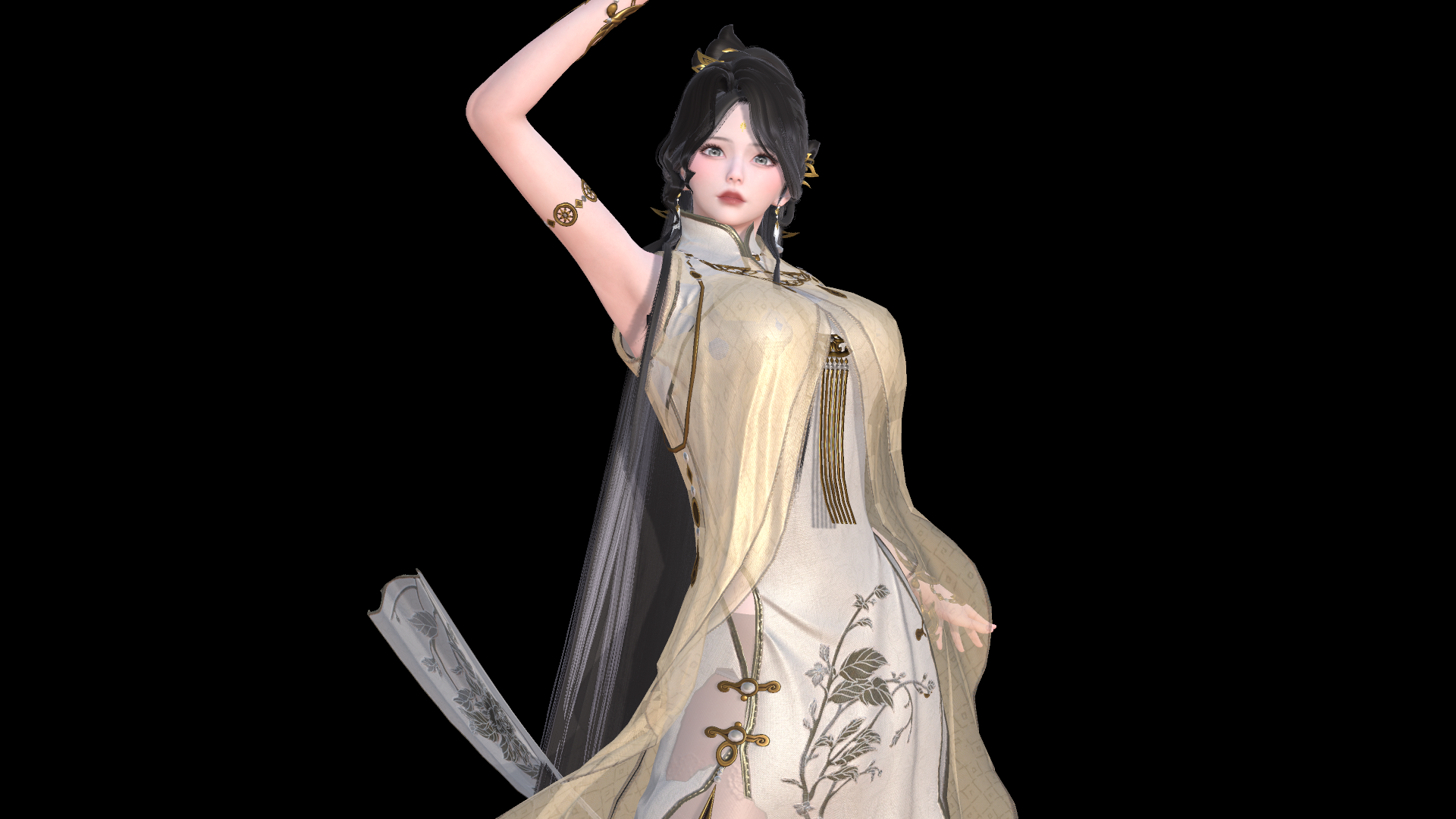
预览图:
原文如下:
-=-=-=-=-=-=-=-=-=-=-=-=-=-=-=-=-=-=-=-=-=-=-=-=-=-=-=-=-=-=-=-=-=-=-=-=-=-=-=-=-=-Grey.MeshExporter: This is a runtime mesh exporter built for Illusion’s Unity games. Honey Select 1 & 2, Play Home, AI Shoujo, Koikatsu and Emotion Creator are currently ‘working’.
This exporter is "feature complete", but lacks polish, and almost certainly still has bugs. This will NOT do everything for you! That said, it significantly reduces the effort required to export your characters from these games, INCLUDING the animation rig, and textures.-=-=-=-=-=-=-=-=-=-=-=-=-=-=-=-=-=-=-=-=-=-=-=-=-=-=-=-=-=-=-=-=-=-=-=-=-=-=-=-=-=-READ THE README FILE FOR INSTALL INSTRUCTIONS!Install instructions, default-key bindings & more in the readme…

I’m told people want to see screenshots; so here’s an example with HoneySelect, exported to Unity 2020.
-=-=-=-=-=-=-=-=-=-=-=-=-=-=-=-=-=-=-=-=-=-=-=-=-=-=-=-=-=-=-=-=-=-=-=-=-=-=-=-=-=-=-=-=-=-=-=-=-=-=-=-=-=-=-=-=-=-=-=-=-=-=-=-=-=-=-=-=-=-=-=-=-=-=-=-=-=-=-=-=
What is Grey.MeshExporter:
This is a runtime mesh exporter built for Illusion’s Unity games.
Honey Select 1 & 2, Play Home, AI Shoujo, Koikatsu and Emotion Creator are currently ‘working’.
This exporter is "feature complete", but lacks polish, and almost certainly still has bugs.
This will NOT do everything for you!
That said, it significantly reduces the effort required to export your characters from these games,
*INCLUDING* the animation rig, and textures used.
-=-=-=-=-=-=-=-=-=-=-=-=-=-=-=-=-=-=-=-=-=-=-=-=-=-=-=-=-=-=-=-=-=-=-=-=-=-=-=-=-=-=-=-=-=-=-=-=-=-=-=-=-=-=-=-=-=-=-=-=-=-=-=-=-=-=-=-=-=-=-=-=-=-=-=-=-=-=-=-=
IMPORTANT: This tool is not a "one-button" solution, I highly recommend you use other tools to supplement this one.
You will need to "rebuild" your model in Blender, Maya, 3dsmax or a similar 3d modelling tool and correct any export issues.
Renderer Editor is fantastic mod to help you find out what textures go where, and to capture shader data that my tool does not (currently) handle.
SB3UGS will let you grab raw data from the mods & assets directly, for anywhere my tool does not work or anything ‘missed’.
Alternative Options:
For Koikatsu, PmxExport does a similar job to my tool.
NinjaRipper is a more generic tool to do similar exports. Though the output is much more work to rebuild, it may capture data my tool does not.
Notes:
This is a "what you see, is what you get" exporter;
You should set your character to T-pose and disable any idle animations; including blinking!
-=-=-=-=-=-=-=-=-=-=-=-=-=-=-=-=-=-=-=-=-=-=-=-=-=-=-=-=-=-=-=-=-=-=-=-=-=-=-=-=-=-=-=-=-=-=-=-=-=-=-=-=-=-=-=-=-=-=-=-=-=-=-=-=-=-=-=-=-=-=-=-=-=-=-=-=-=-=-=-=
How to install:
=> 1: The UnityFbxExporter dll(s) MUST be copied into the <gameroot> folder (next to the game .exe files!)
DO NOT RUN BOTH versions. CHOOSE Bepinex (if you’ve got it) or IPA if you need to.
=> 2a: IF you’re using IPA, copy the <game>/IPA/*.dll file and put it into your <gameroot>/Plugins folder like any other IPA mod.
=> 2b: IF you’re using BepInEx, copy the <game>/BepInEx/*.dll file and put it into <gameroot>/BepInEx/Plugins folder like any other BepInEx mod.
Note: BepInEx builds are created against BepInEx 5.3.0,
If you absolutely, unequivically, CANNOT update to 5.3 … let me know and I might consider making a modified version.
Note: The export path for meshes is (currently) non-configurable. In all cases it will export files to the <gameroot>/Export folder.
Exported fbx files will be in their own folder eg: <gameroot>/Export/<datestamp>_<characterName>/<characterName>.fbx
-=-=-=-=-=-=-=-=-=-=-=-=-=-=-=-=-=-=-=-=-=-=-=-=-=-=-=-=-=-=-=-=-=-=-=-=-=-=-=-=-=-=-=-=-=-=-=-=-=-=-=-=-=-=-=-=-=-=-=-=-=-=-=-=-=-=-=-=-=-=-=-=-=-=-=-=-=-=-=-=
The default keybinding is NumberPad-Minus (‘-‘)
After the first successful run of the game with the plugin, there will either be a new section
in the IPA config file (<gameroot>/UserData/ModPrefs.ini)
[Grey.MeshExporter.<game>]
ExportKey = KeypadMinus
or a new BepInEx config (<gameroot>/BepInEx/Config/Grey.MeshExporter.<game>.cfg)
ExportKey = KeypadMinus
[ Note that BepInEx keybindings can include modifiers if they are added afterwards like so: "KeypadMinus + LeftShift" ]
The acceptable values for the keybinding are as follows:
None, Backspace, Tab, Clear, Return, Pause, Escape, Space, Exclaim, DoubleQuote, Hash, Dollar, Ampersand, Quote, LeftParen, RightParen,
Asterisk, Plus, Comma, Minus, Period, Slash, Colon, Semicolon, Less, Equals, Greater, Question, At, LeftBracket, Backslash, RightBracket,
Caret, Underscore, BackQuote, Delete, KeypadPeriod, KeypadDivide, KeypadMultiply, KeypadMinus, KeypadPlus, KeypadEnter, KeypadEquals,
UpArrow, DownArrow, RightArrow, LeftArrow, Insert, Home, End, PageUp, PageDown, Numlock, CapsLock, ScrollLock, RightShift, LeftShift,
RightControl, LeftControl, RightAlt, LeftAlt, RightApple, RightCommand, LeftCommand, LeftApple, LeftWindows, RightWindows, AltGr, Help,
Print, SysReq, Break, Menu,
Mouse0 to Mouse6, A through Z, Alpha0 through Alpha9, Keypad0 through Keypad9, F1 through F15
JoystickButton0 to JoystickButton19, Joystick1Button0 to Joystick8Button19
-=-=-=-=-=-=-=-=-=-=-=-=-=-=-=-=-=-=-=-=-=-=-=-=-=-=-=-=-=-=-=-=-=-=-=-=-=-=-=-=-=-=-=-=-=-=-=-=-=-=-=-=-=-=-=-=-=-=-=-=-=-=-=-=-=-=-=-=-=-=-=-=-=-=-=-=-=-=-=-=
Known issues:
– Due to limitations of older Unity versions, all games earlier than AI Shoujo or Honey Select 2 use a property list (provided by Joan6694, thankyou!) to try to "guess" which properties a texture is assigned to on each material. This means if a texture is assigned to a strange (or uniquely) named property, this tool will not find it.
– Some textures in AI Shoujo appear to be exporting "empty" (ie: they are the right size/shape, but contain no colour data.)
– AI Shoujo has a small collection of accessory items which causes the game to hard-crash when ‘exported’. Specifically the set of head-accessory horns which (when google-translated) show up as "great power <something something>" – This has been found to be caused by mods which export their meshes as ‘skinned meshes’ when they are NOT skinned meshes, or vice-versa. Fixing this needs to be done by the item creator (or someone else) unfortunately as I can’t get around this in my code.
-=-=-=-=-=-=-=-=-=-=-=-=-=-=-=-=-=-=-=-=-=-=-=-=-=-=-=-=-=-=-=-=-=-=-=-=-=-=-=-=-=-=-=-=-=-=-=-=-=-=-=-=-=-=-=-=-=-=-=-=-=-=-=-=-=-=-=-=-=-=-=-=-=-=-=-=-=-=-=-=
Changelog:
v0.1.0.1: Disabled "cloth-physics" mesh exports. From what I have seen this is an extremely rarely used option, but it currently causes conflicts during the export process.
I will aim to re-enable it in the future, once I have a UI and you can all make configuration choices on your own. Until then. Disabled.
v0.1.0.0: Further changed the preprocessor; when a skinned mesh has child-bones, before moving the skinned mesh, the children are moved to a replacement ‘stand-in’ parent object
that will be spawned in the same location as the skinned mesh.
Additionally modified the texture exporter to no longer attempt to be "smart" and skip "already processed files". This may result in additional duplicates, but hopefully
will also solve the "second export doesn’t export textures" problem.
v0.0.1.2: Changed the preprocessor to skip ‘disabled’ meshes, meaning less ‘sudden penis’ etc. :)
v0.0.1.1: A few corrections to the previous release see almost all benefits of the preprocess increase, and now better work across most of Illusion’s games.
A notible "down side" is that the male genitals that are normally hidden are exposed and exported in some games.
You’ll need to manually uh …"remove them"… during your after-export process, unless that’s your ‘thing’. :D
v0.0.1.0: A preprocessing step has been added which moves any SkinnedMeshes _out_ of the character skeleton, this provides a SIGNIFICANT improvement to exporting in AI Shoujo and HoneySelect 2, and some minor improvements to HoneySelect 1. ( and no, the version bump was not because we reached release "10" – just a lucky chance! :D )
v0.0.0.9: Added extra exception catching. For AI Shoujo and HoneySelect 2, all textures should now export for every material processed. Older games still use the property list.
v0.0.0.8: Attempting to solve Blender’s mess in my code isn’t working. Reverted several more "fixes", cleaned up the code a little, added several additional exception catching points (which should help with debugging in the future.)
v0.0.0.7: Removed some stray ‘scaling’ code; aiming to improve skeletal exports.
v0.0.0.6: Bepinex versions will now wait until end-of-frame before exporting. IPA behaviour remain unchanged.
Added excessive list of possible texture exports, so it will catch many additional "unexpected" options.
v0.0.0.5: Added Emotion Creators to list of supported Bepinex games.
v0.0.0.4: Cleanup of texture export process, less typo chance, more textures exported. Cleanup of character search code, should be slightly more robust.
Added parts of Joan’s texture list, as used in Renderer Editor, to export a significantly more complete list of textures.
Huge thanks to Joan for permission to use it!
v0.0.0.3: Corrected typo – alpha channels should now correctly export, instead of just re-exporting the bump map.
v0.0.0.2: KK now exports from char creator, not just studio. ‘_AlphaMask’ textures will now be exported.
v0.0.0.1: first "release"
-=-=-=-=-=-=-=-=-=-=-=-=-=-=-=-=-=-=-=-=-=-=-=-=-=-=-=-=-=-=-=-=-=-=-=-=-=-=-=-=-=-=-=-=-=-=-=-=-=-=-=-=-=-=-=-=-=-=-=-=-=-=-=-=-=-=-=-=-=-=-=-=-=-=-=-=-=-=-=-=
Thanks:
From the Illusion Soft Discord:
To essu for the early suggestions & feedback.
To Mikka for extensive testing & feedback, leading to large improvements in the output of this plugin.
To Joan6694 for Renderer Editor especially, but also for making all their plugin code public; both were useful on quite a number of occasions, and I expect they will continue to be.
To 2155X for pointing me in the right direction very early on with "finding" (in code) characters in PlayHome. This lead to the eventual support of most Illusion Unity games.
-=-=-=-=-=-=-=-=-=-=-=-=-=-=-=-=-=-=-=-=-=-=-=-=-=-=-=-=-=-=-=-=-=-=-=-=-=-=-=-=-=-=-=-=-=-=-=-=-=-=-=-=-=-=-=-=-=-=-=-=-=-=-=-=-=-=-=-=-=-=-=-=-=-=-=-=-=-=-=-=

评论0